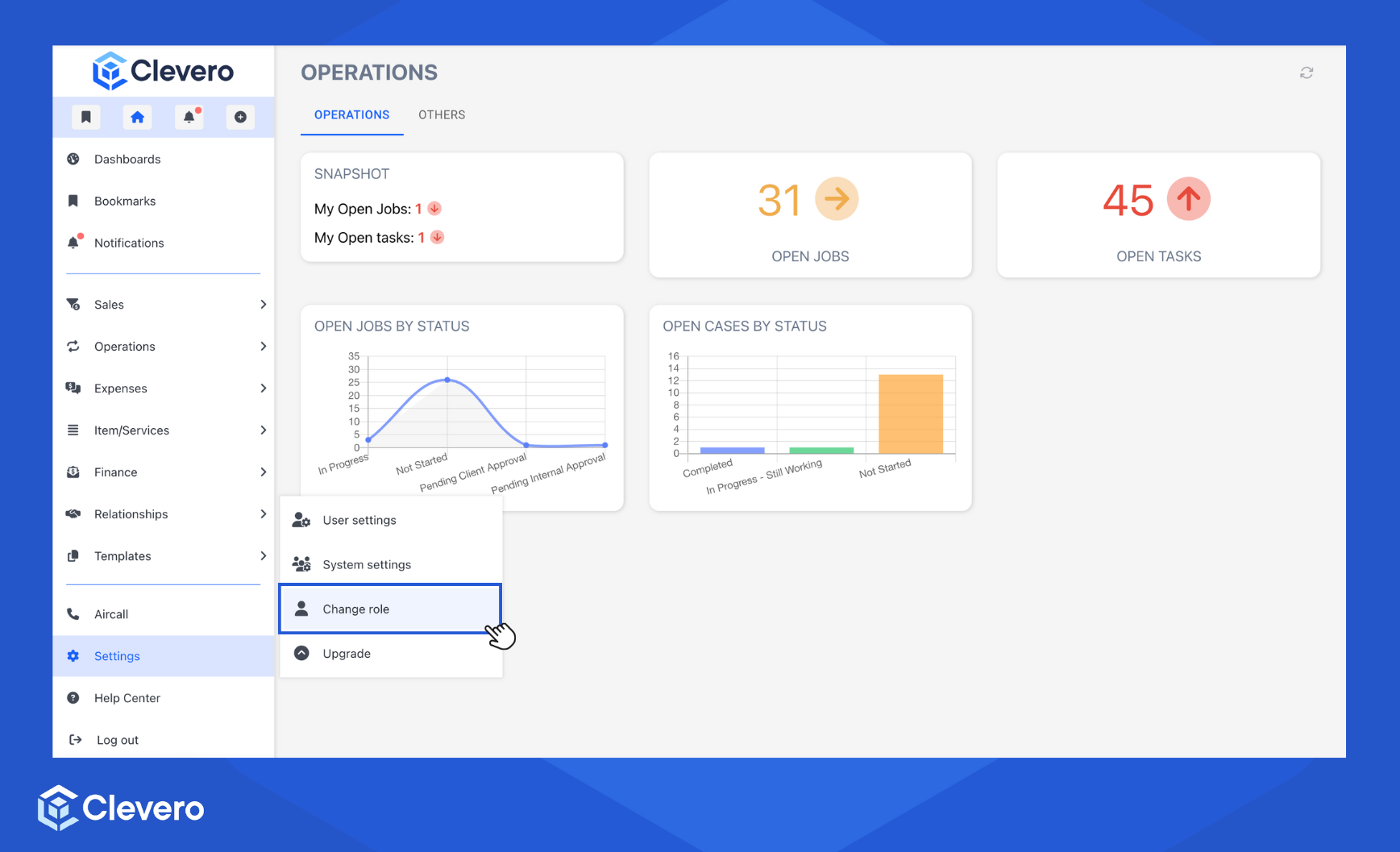
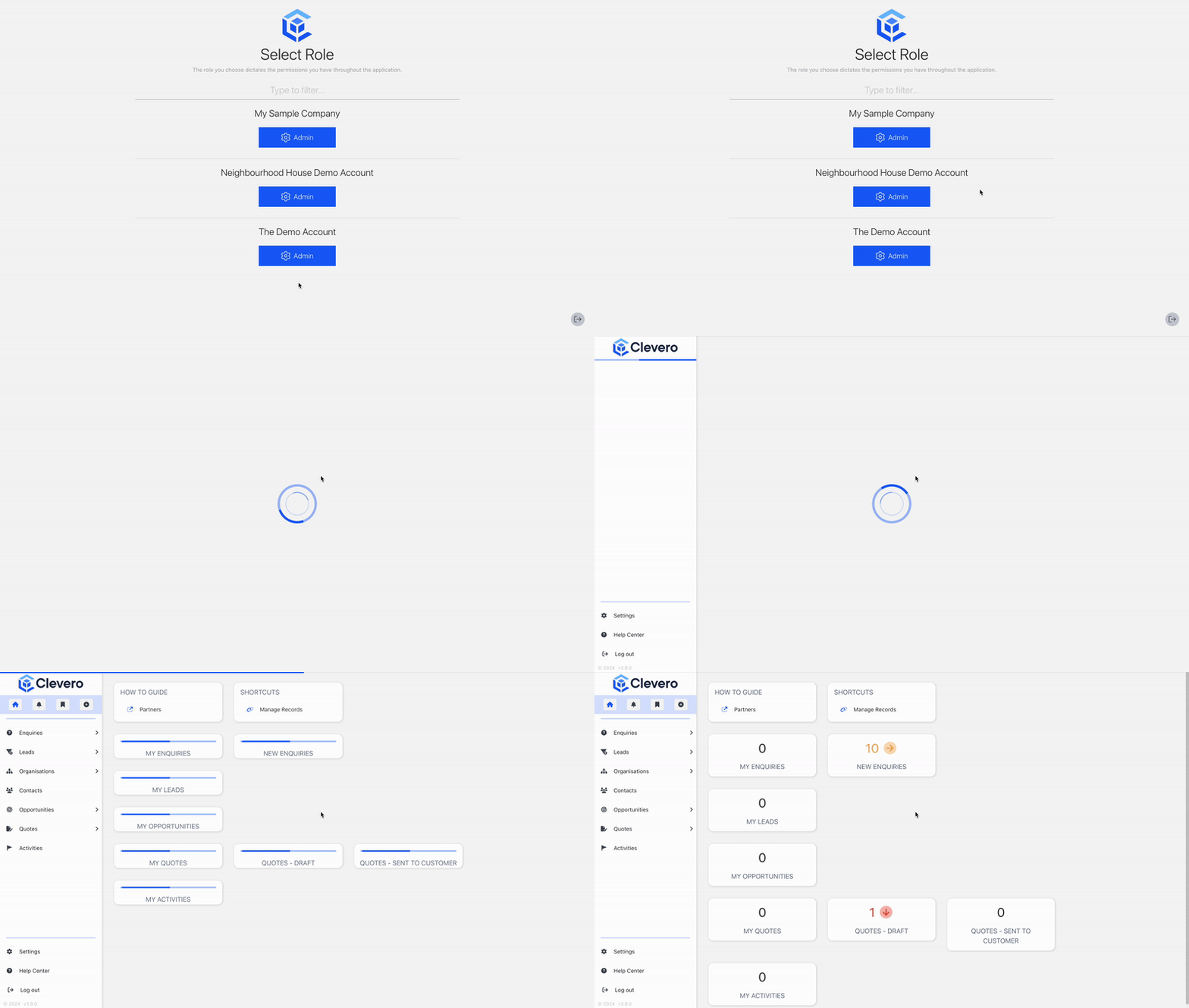
How to Change and Manage Roles✅ Assign roles to users to manage system access.As a partner, you should now have access to the new Instance you have just created. Go to the "Settings" and select Change role. Search for the newly created instance. Click on Admin. 📌 Need Help? If you require assistance or encounter any issues, please don't hesitate to contact us for further support. I need support Updated 11 months ago How to Configure Your InstanceDid this page help you?YesNoCopy Page📌 Need Help?