
Properties
📊 Gain insights into how record properties define your data.
Record properties define and manage data within a record. They allow you to capture structured information, organise and retrieve it. Let’s walk through how records are built.
1. Define Your Fields
Every record starts with fields. Fields are the building blocks of your records. It represents a specific data attribute (e.g., text, number, or date)
Learn more: Fields
2. Organise with Entry Layouts
Once fields are created, you need a way to display them. That’s where entry layouts come in. An entry layout lets your team input and view data for those fields in a structured interface.
Learn more: Entry Layouts
Arrange Information in Layouts
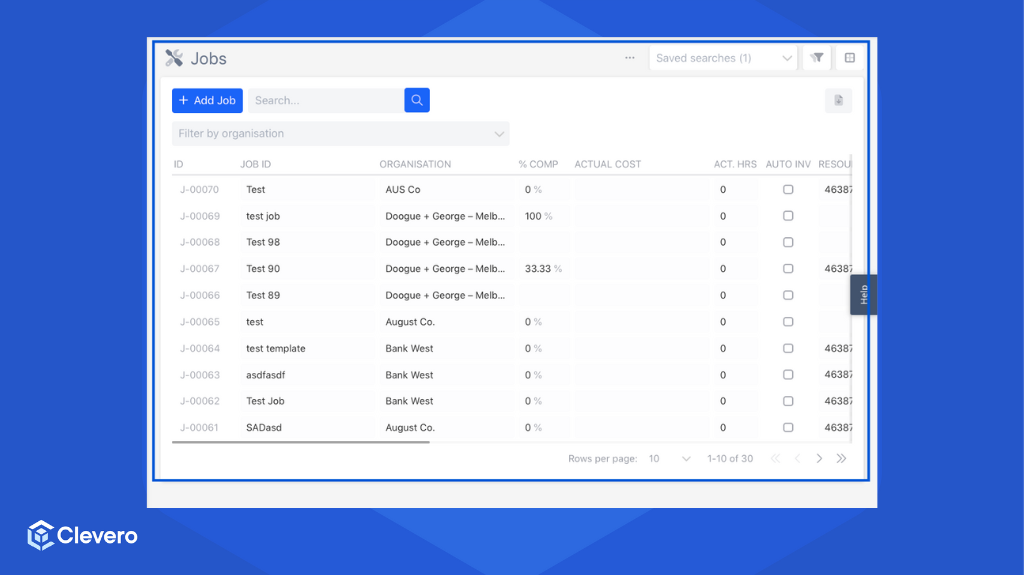
A layout defines the overall arrangement of fields and entry components. It determines how information appears on the screen and ensures data is easy to read and interact with.
Learn more: Layouts
Identify Records with IDs
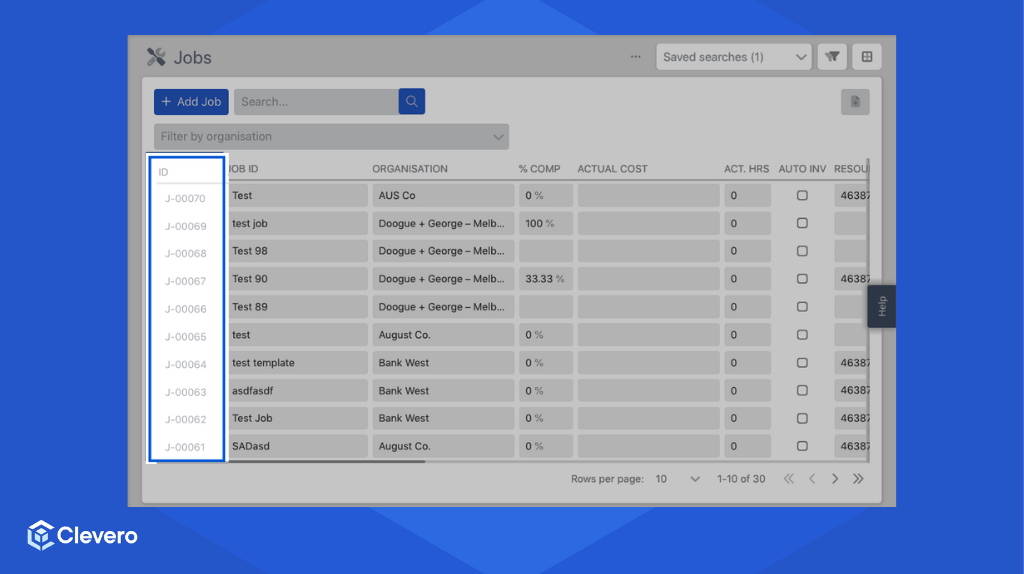
Each record gets a unique ID that identifies it in the system. This ID acts as a primary key so no two records are ever the same.
Learn more: Record Auto IDs
Find Data with Search & Filters
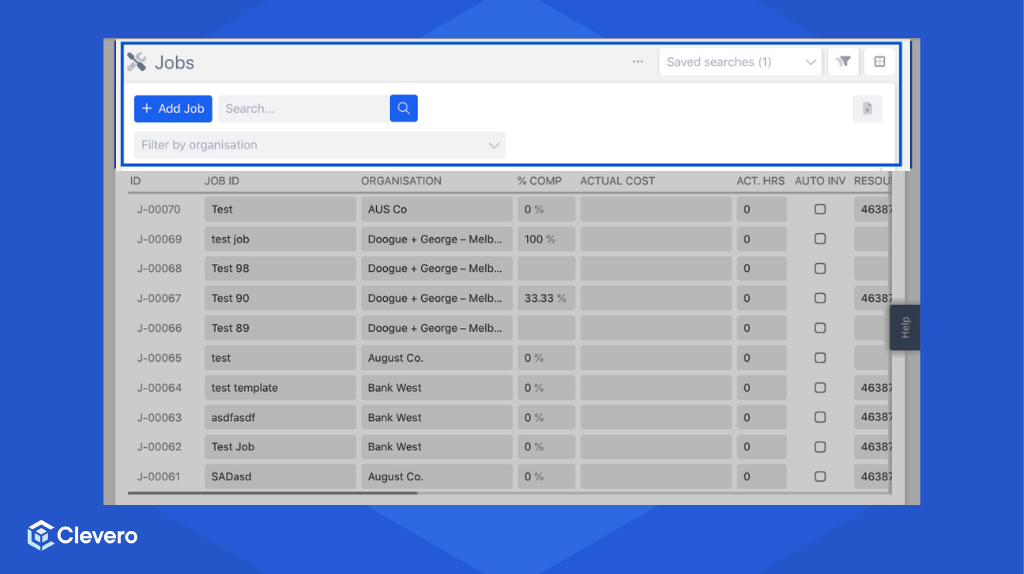
With fields in place, you can use search and filters to apply specific criteria and quickly locate the records you need. Filters let you narrow down data by conditions, making it easier to work with relevant information.
Learn more: Search & Filter & Advanced Filters
Connect Records with Relationships
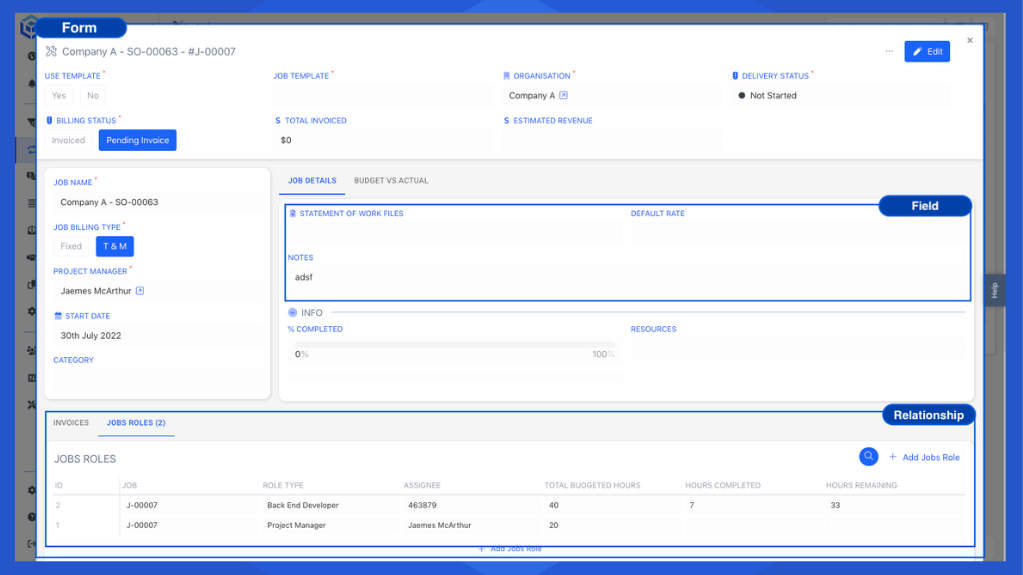
Finally, records can be linked together using relationships. These connections show how data is related, for example, parent-child links or many-to-many associations.
Clevero provides two types of relationships:
- Associations - Link two separate records so they can reference each other.
- Sub-records - Store structured data inside a parent record to keep related details together.
Learn more: Associations & Sub-records
📌 Need Help?

Updated 12 months ago