
Sendgrid User Authentication
📬 Get instructions on authenticating user access to Sendgrid.
Why We Do Email Authentication?
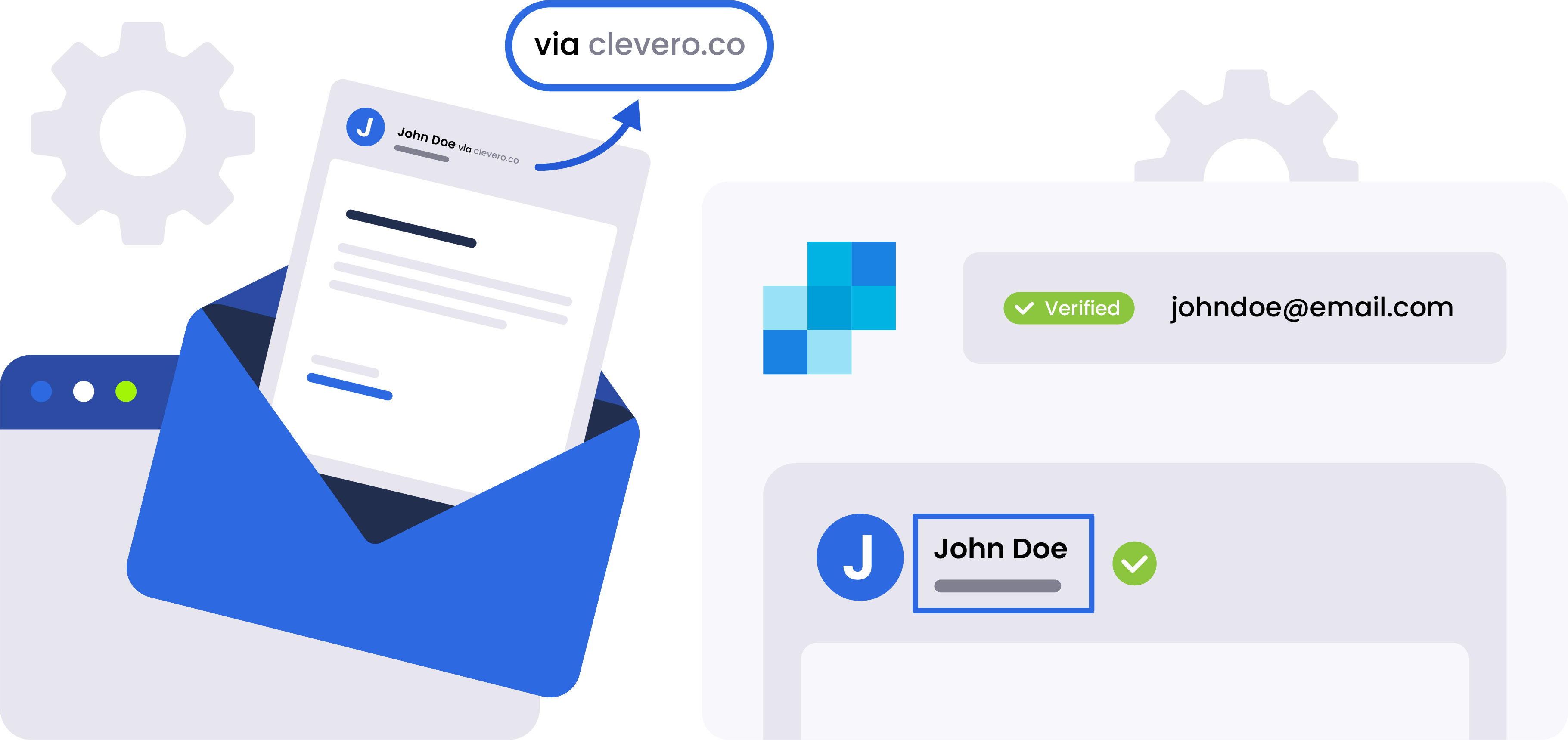
At Clevero, we prioritise the security and credibility of our email communications. By implementing authentication, we verify the origin of our emails, allowing recipients to have confidence in the authenticity of the messages they receive from us.
This enhances the deliverability of our emails and protects our brand reputation, reducing the likelihood of our messages being flagged as spam or phishing attempts.
How to Set Up Email Authentication?
Setting up email authentication with Clevero is a simple process. We used SendGrid, a reputable email delivery platform, to provide a secure and seamless user authentication experience. These steps will ensure that all your emails via Clevero are authenticated.
To get started, follow these simple steps:
- Log in to your SendGrid account.
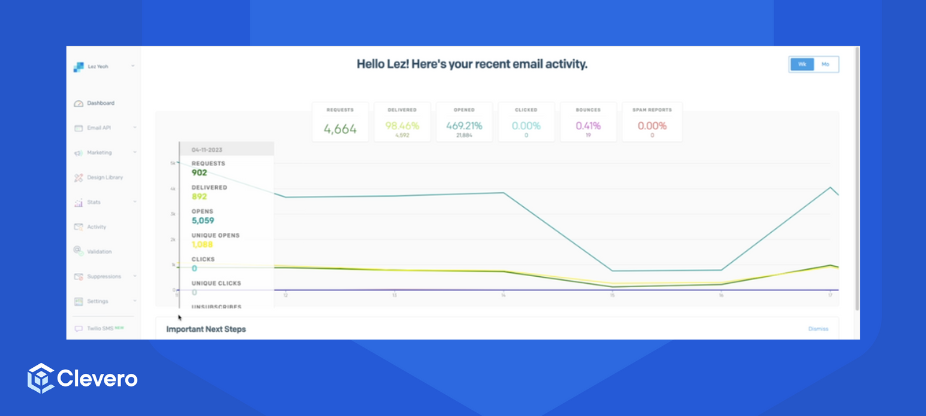
- In the dashboard, go to the "Settings" option > choose "Sender Authentication" to access the authentication configuration page.
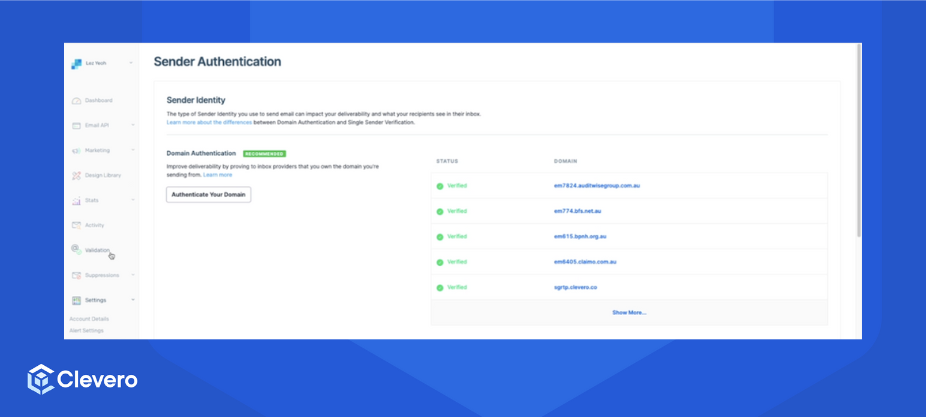
- Click on "Domain Authentication" to begin the process. Enter the domain you wish to authenticate and follow the prompts to verify ownership.
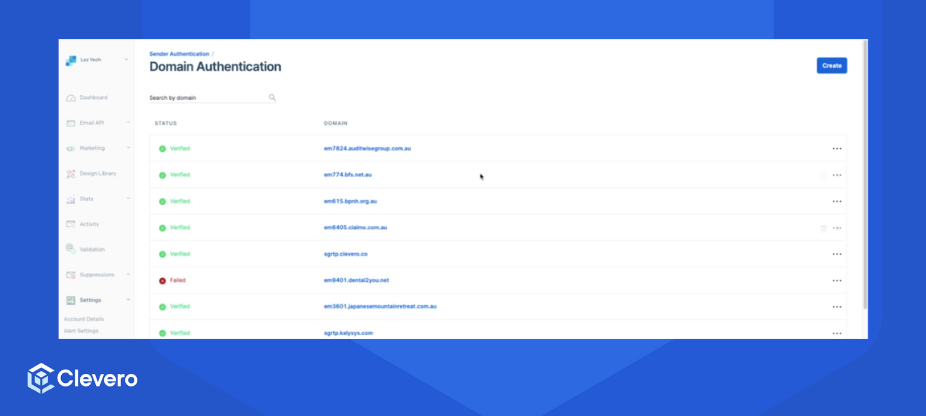
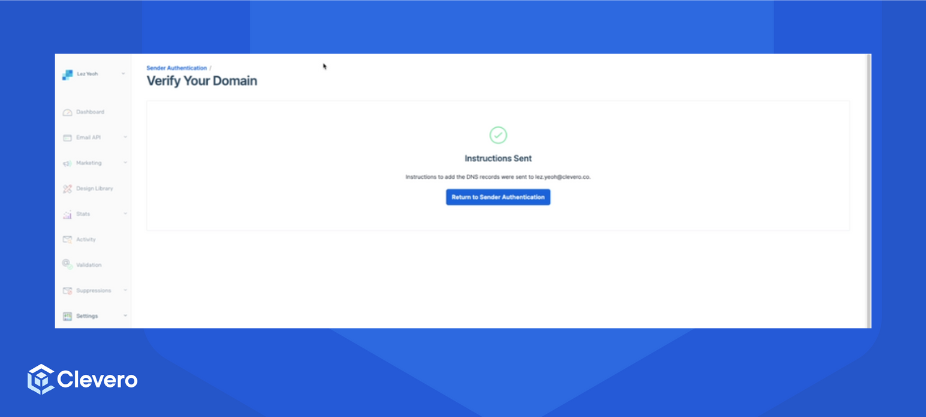
- SendGrid will provide you with DNS records specific to your domain. To complete the verification process, these records must be added to your domain's DNS settings.
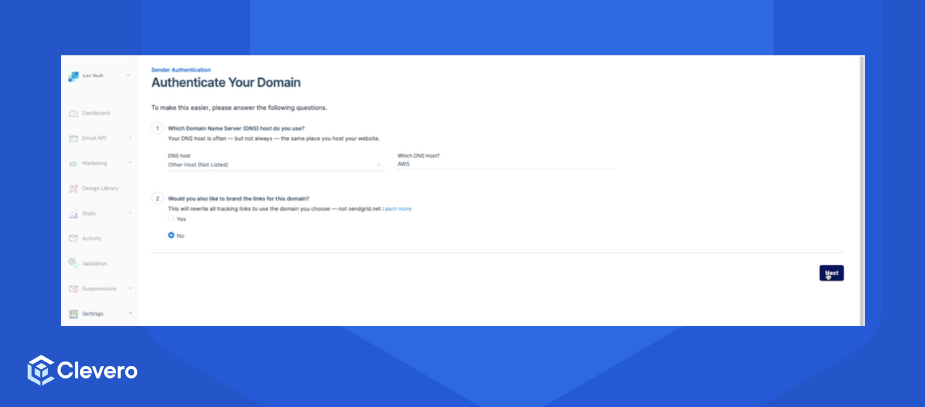
- Once the DNS records are added and verified, your domain will be successfully authenticated, and your emails sent through Clevero will be associated with your brand.
Info:For more information, please go to the Sendgrid documentation.
📌 Need Help?

Updated over 1 year ago