
Notification Preferences
🚨 Set how and when you receive alerts and updates from the system.
With Notification Preferences, users can choose how they get notified when an event occurs.
Here's how you can get to Notification Preferences:
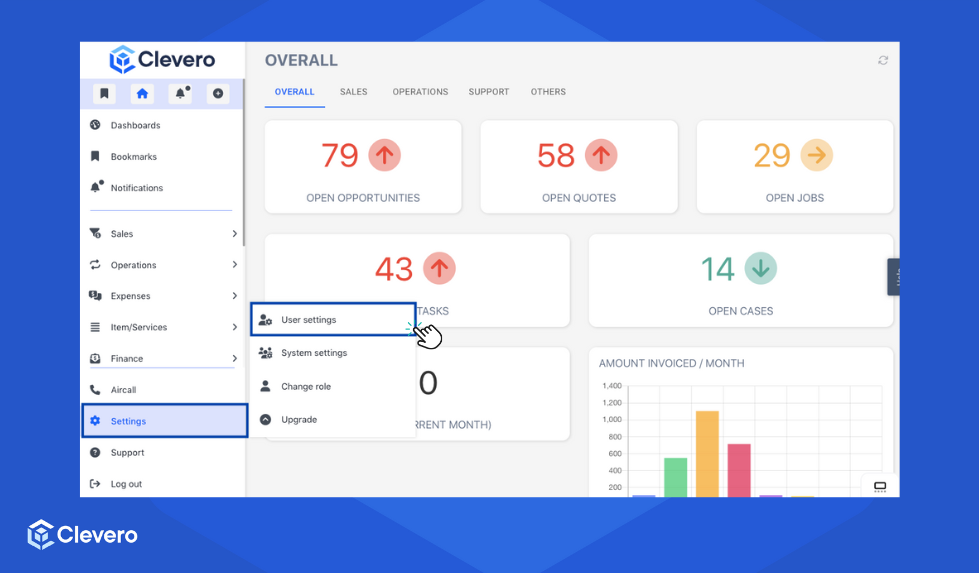
- Click Settings and then proceed to User Settings.
- Select the Notifications. Here you can turn on/off the provided toggles based on your needs.
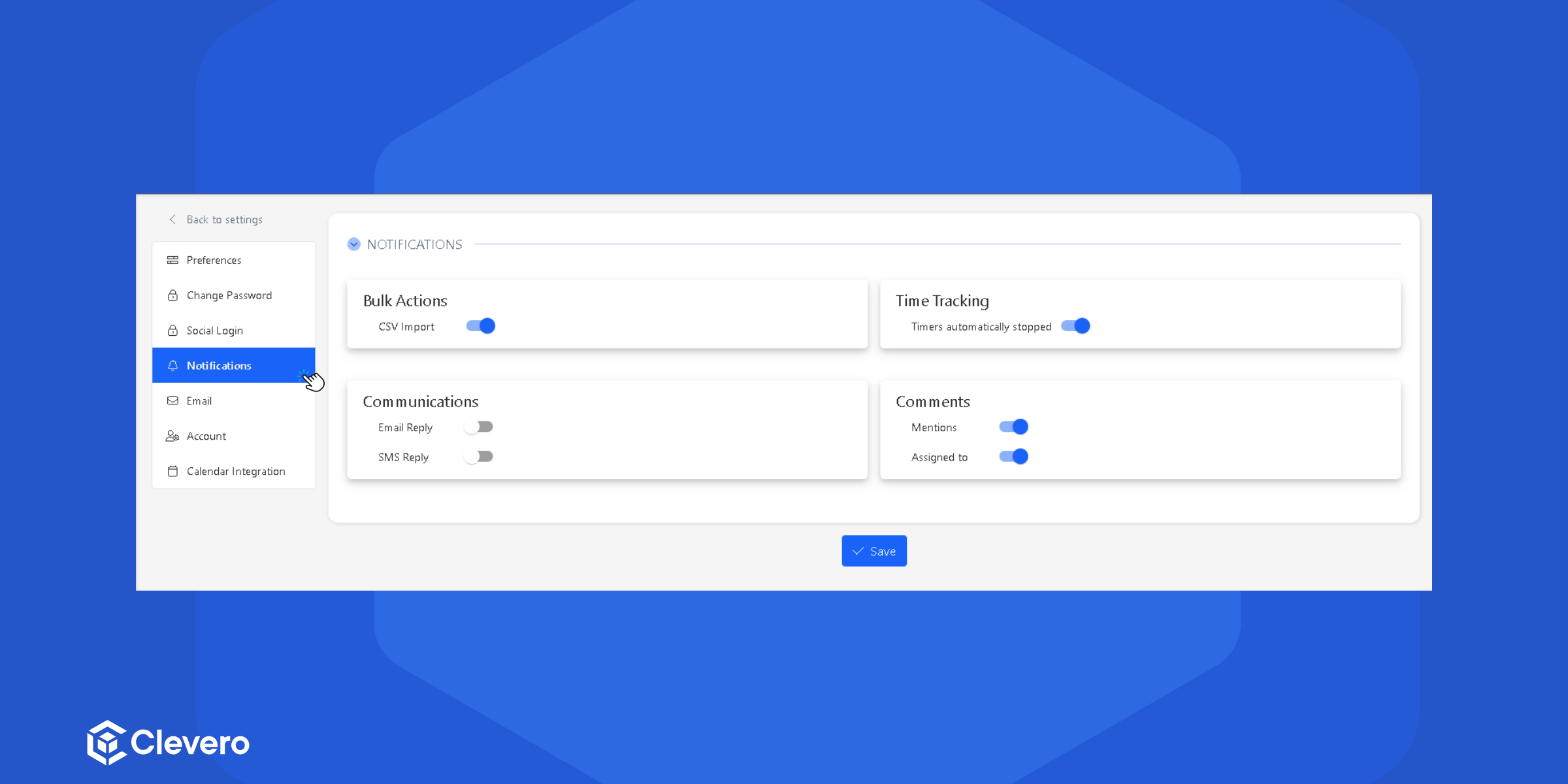
- The user can customise four types of notifications:
- Bulk Actions
- Time Tracking
- Communications
- Comments
Bulk Actions
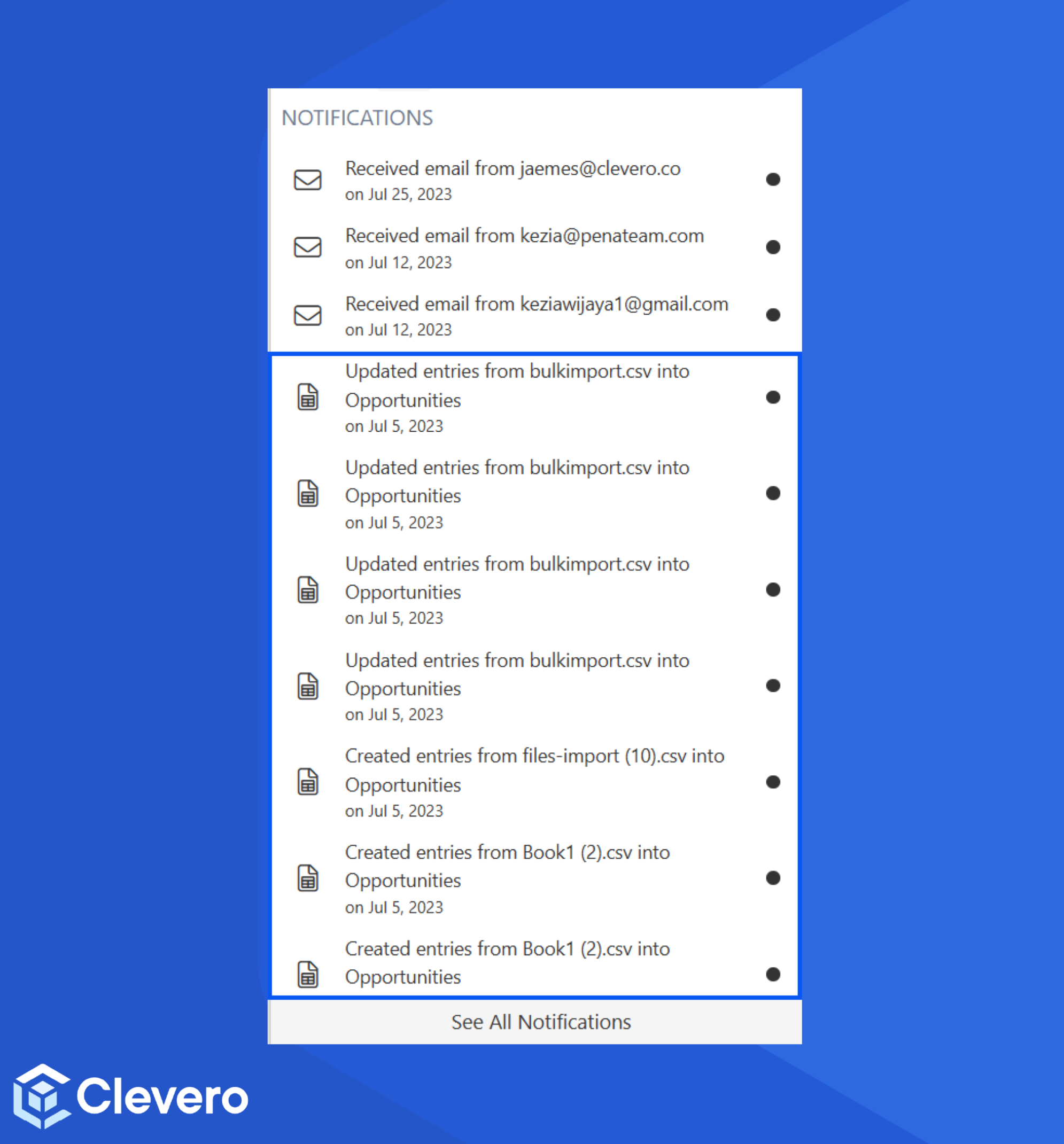
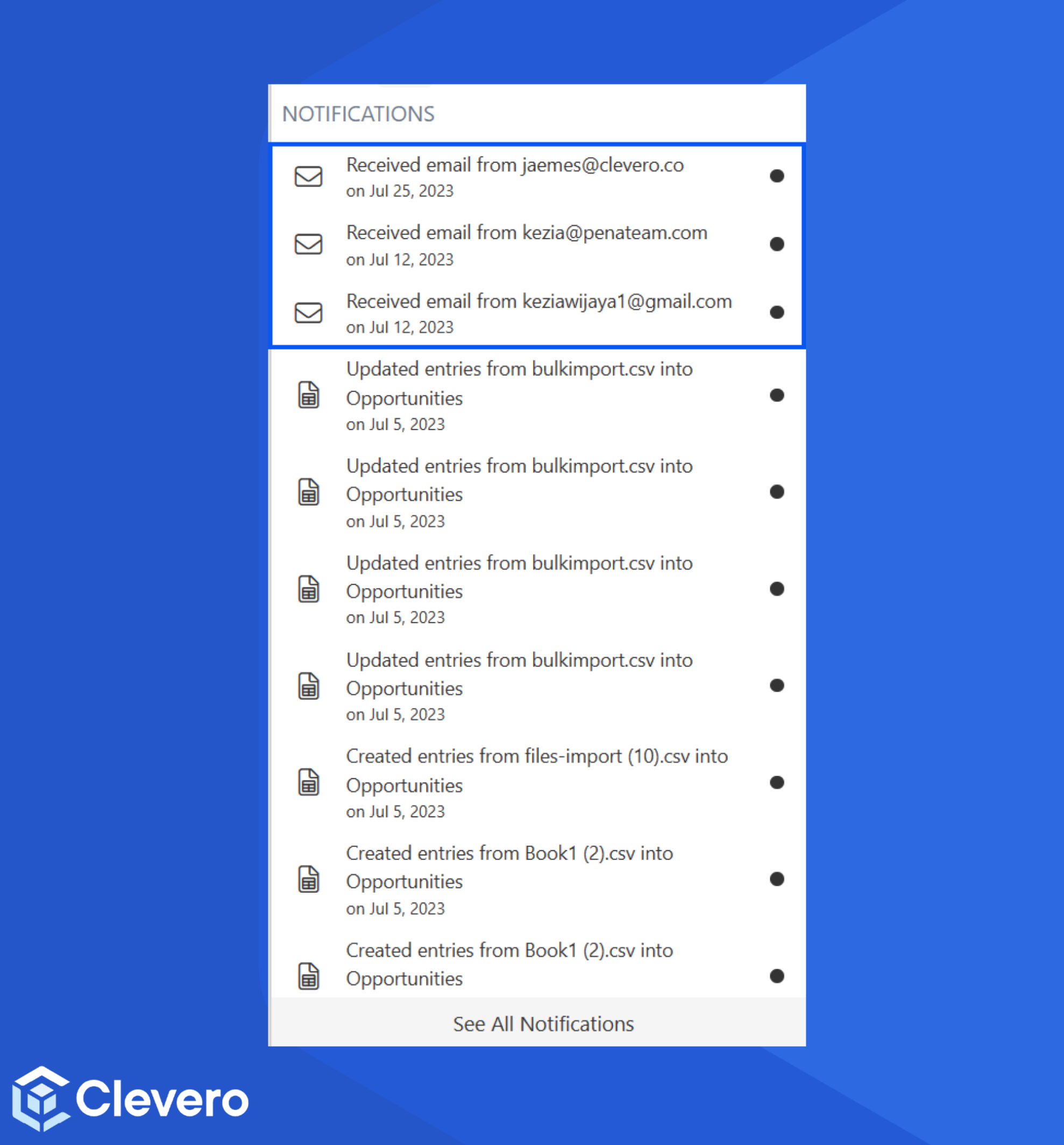
Bulk Actions notifications cover important updates that affect the entries. This includes informing users about events like CSV file imports and changes to existing entries across multiple records.
Time Tracking
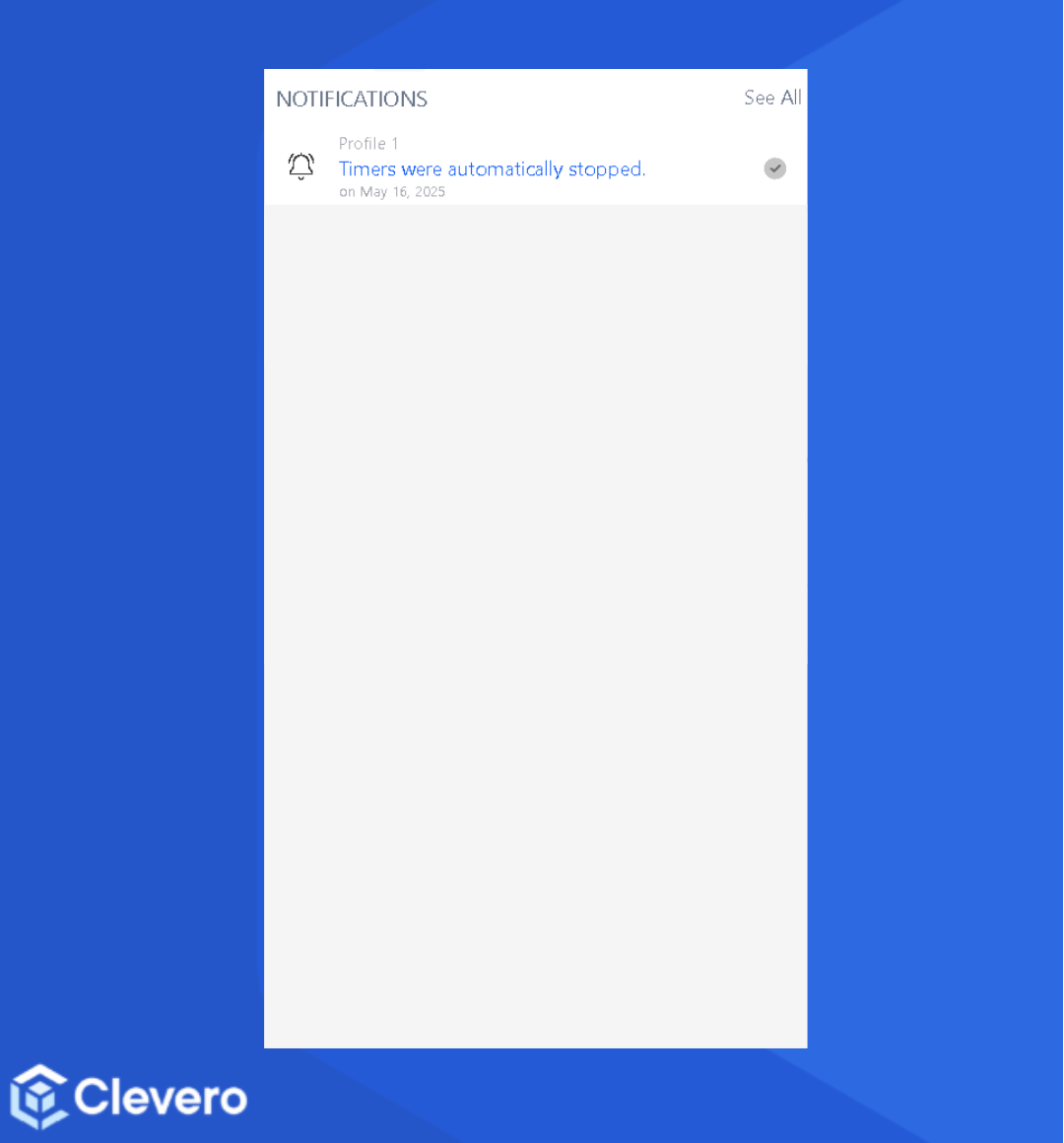
Time tracking notifications help users stay informed by alerting them when a timer starts, stops, or reaches a set limit.
Communications
Communications notifications keep users informed when they receive replies to their emails.
Comments
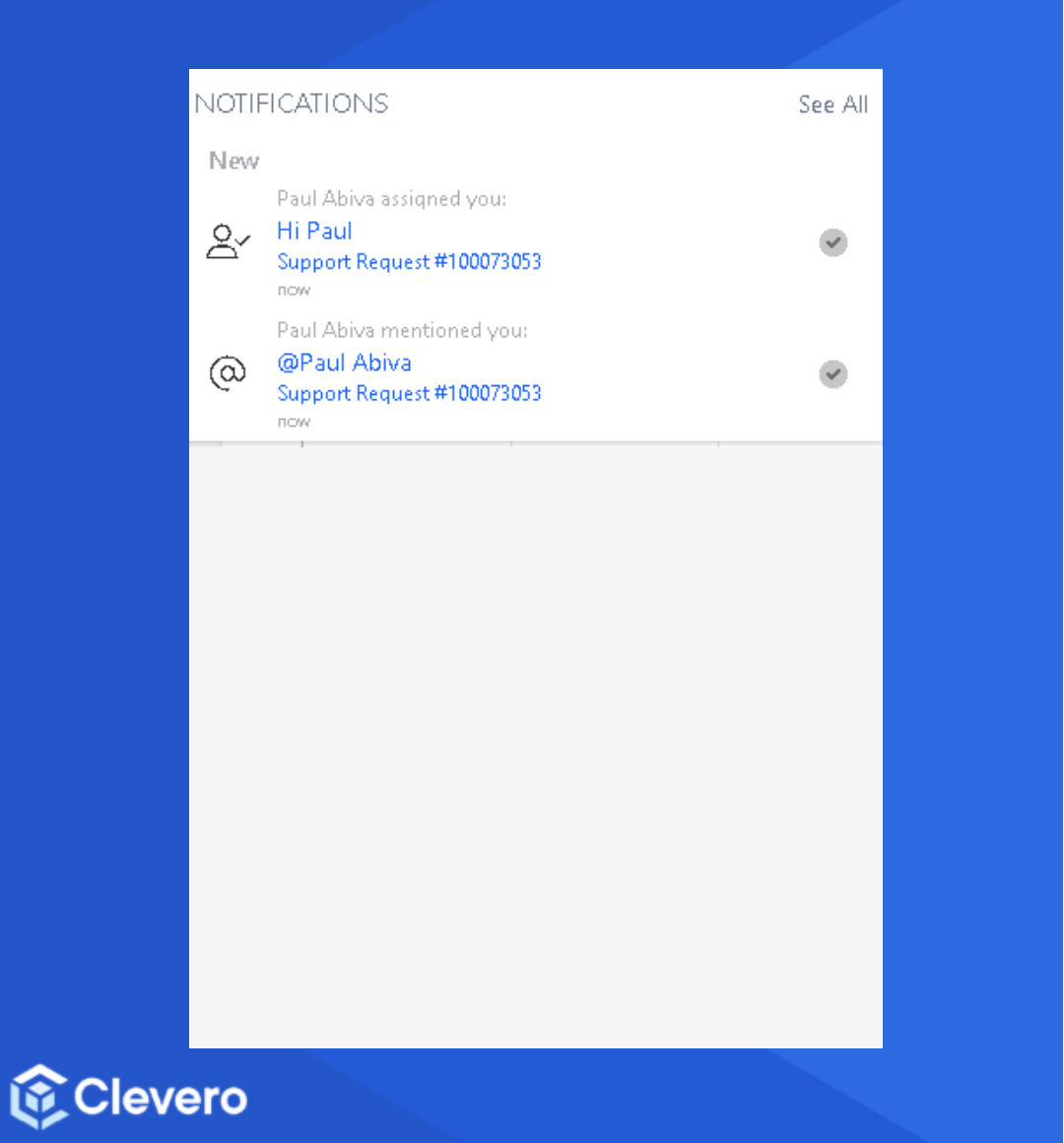
Comment notifications inform users when someone adds or replies to a comment on their records or tasks.
📌 Need Help?

Updated over 1 year ago
Did this page help you?