
How to Update Label on Associated Column
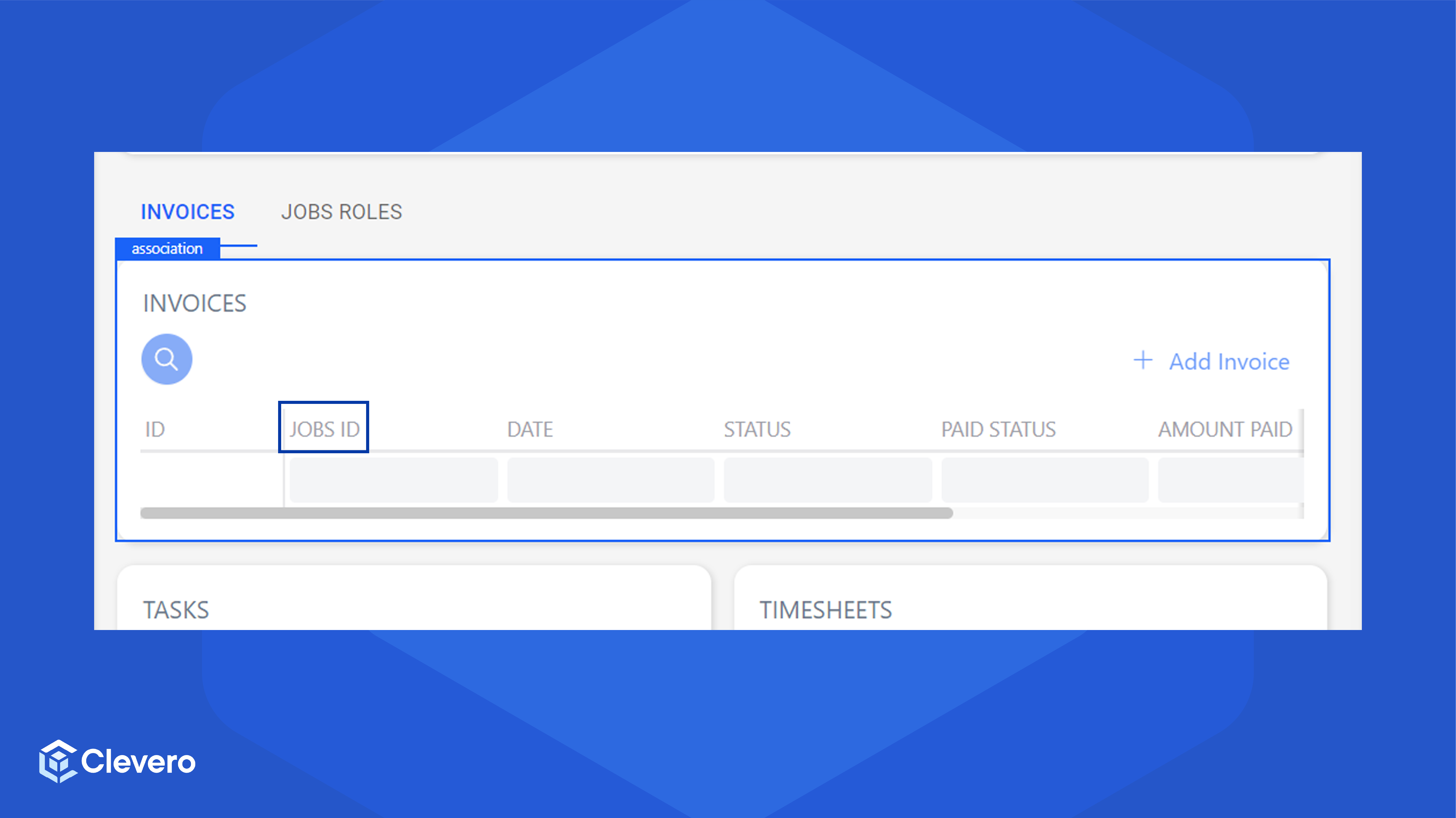
The field label on an associated column can be updated. For example, we want to modify the ID/ NUMBER label to JOBS ID.
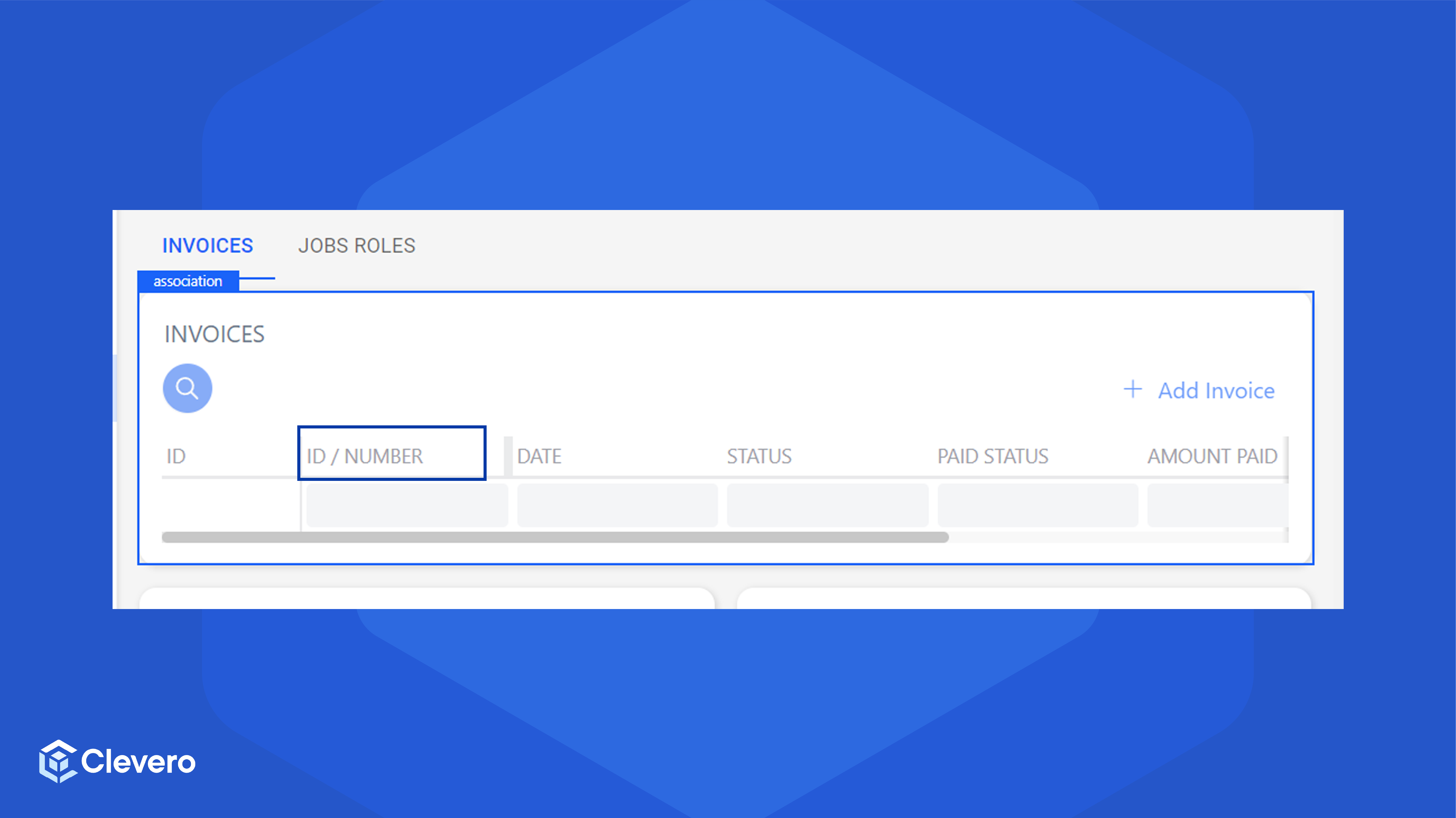
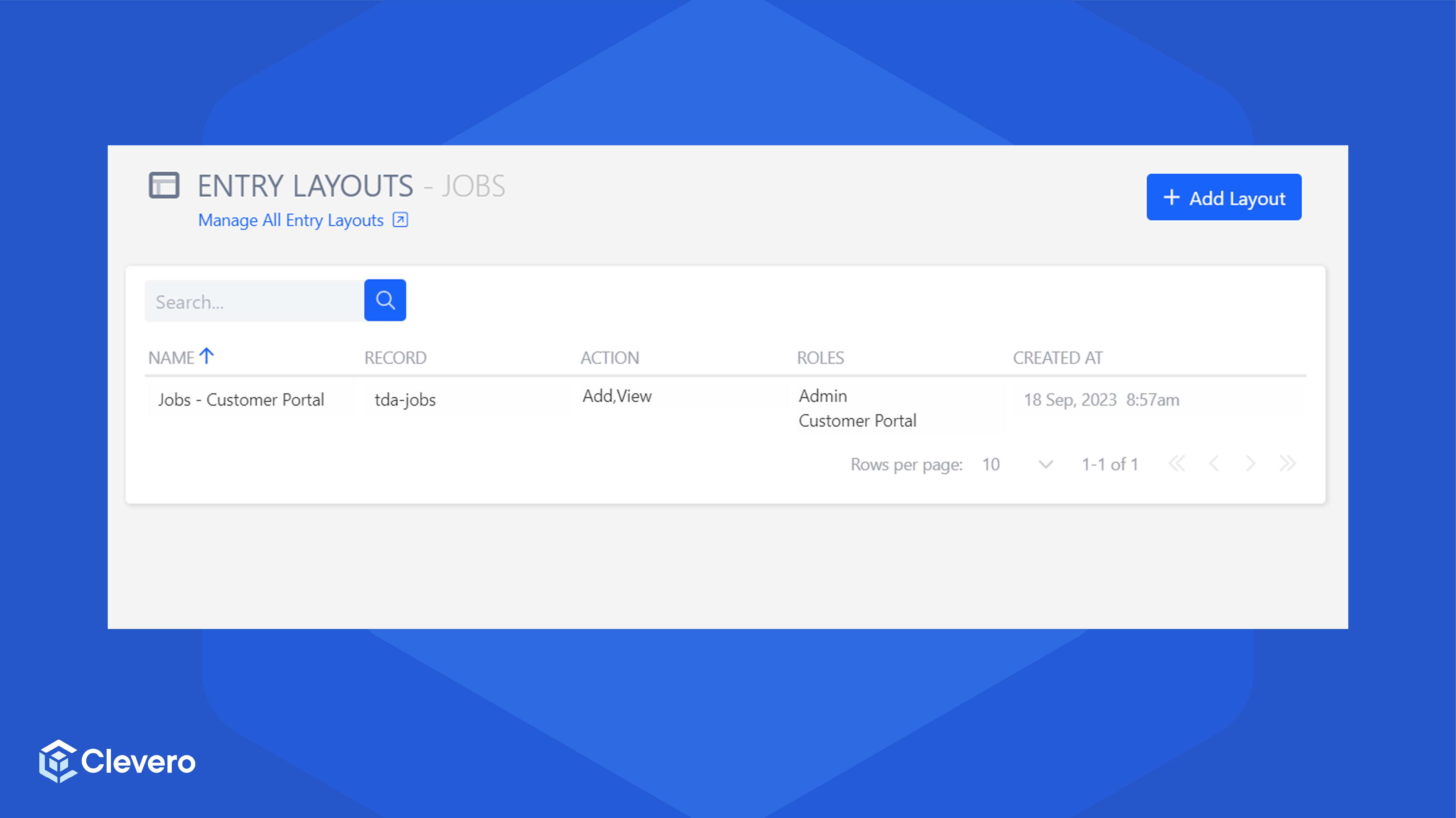
- Go to the Entry layouts page of the record that you want to customize, then select the desired layout.
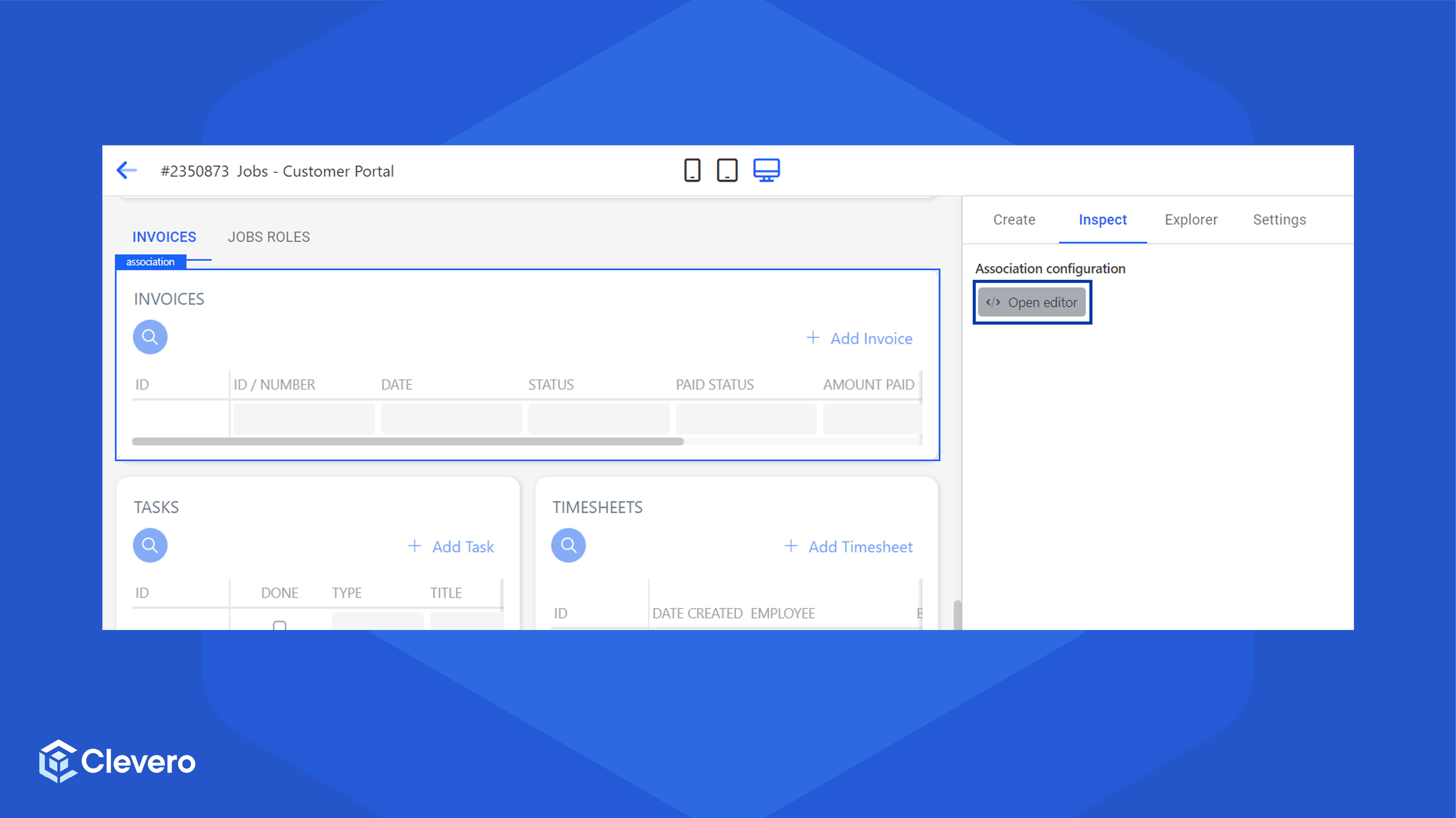
- Select the association field, then click Open Editor in the inspect tab.
- In the
contentproperty, add alabelproperty on the desired column.
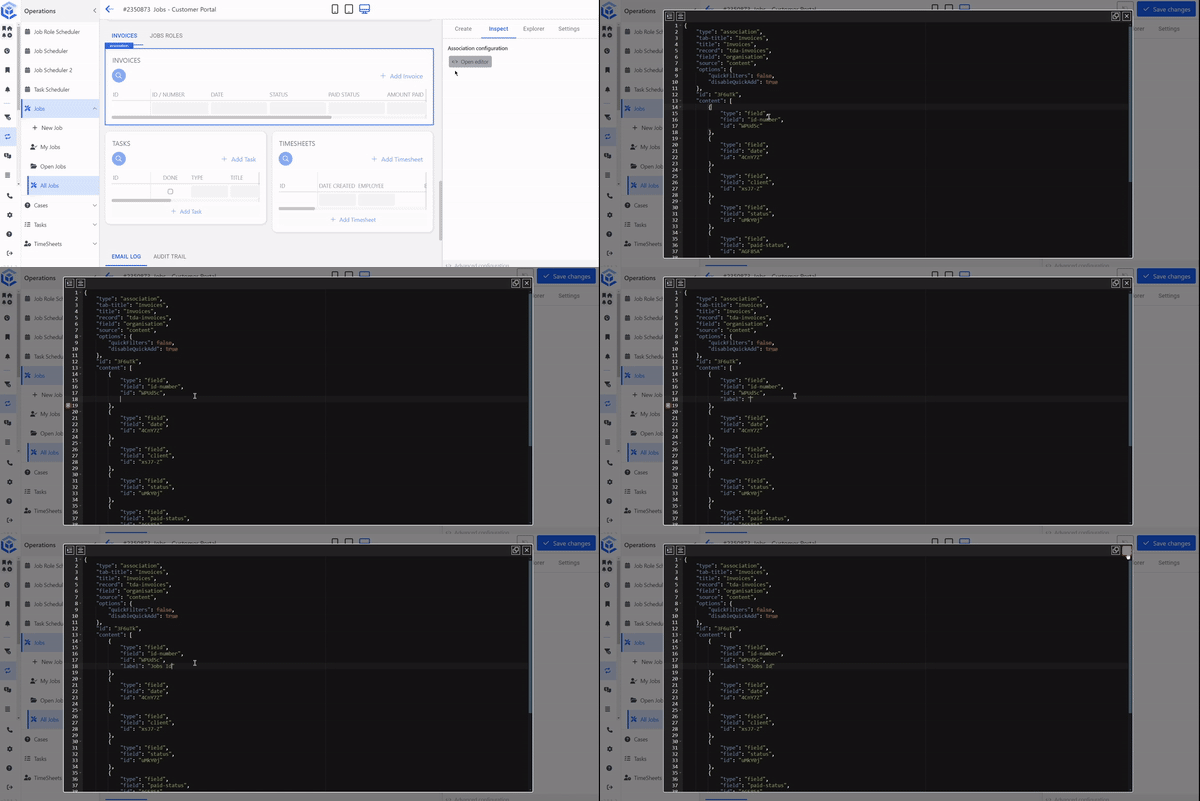
- Save the changes. If you go to the record page, you can see that the modified column labels are updated.
📌 Need Help?

Updated over 1 year ago
Did this page help you?