
Record Table
✅ Showcase structured data in tabular format for organised viewing.
A Record Table widget presents a table of specific records as defined in the configuration. It helps our users to display their desired records on the dashboard.
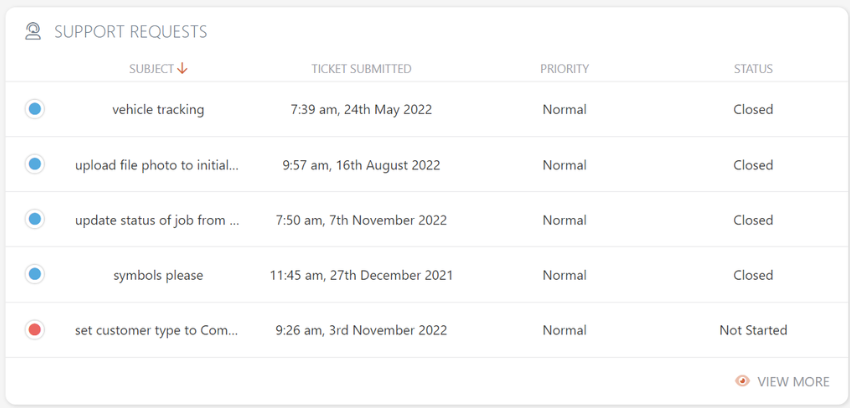
Configure the Record Table Widget
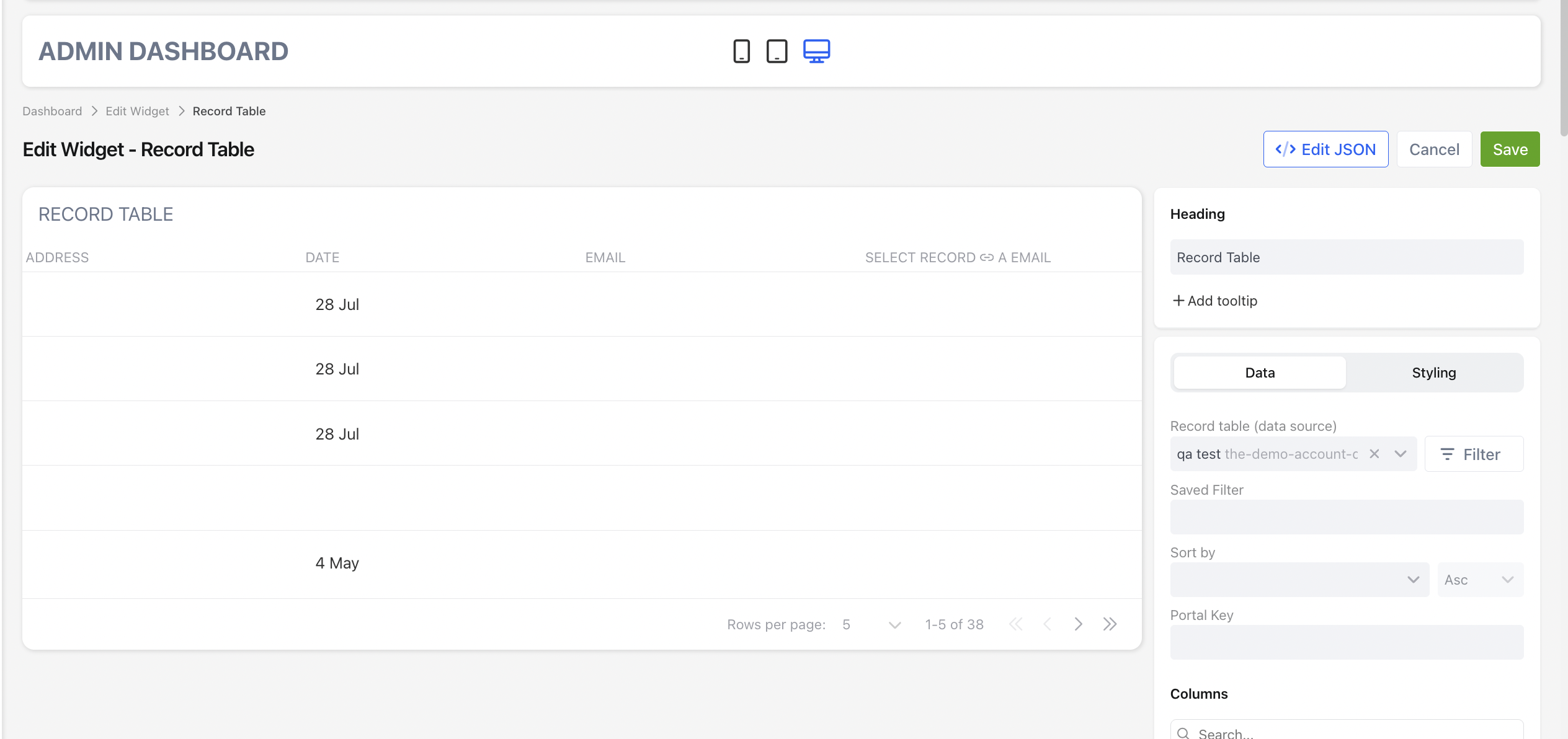
When configuring an Record Table widget from the UI, you can specify the following settings.
JSON Example
The following JSON produces the same configuration shown in the UI.
{
  "type": "record-table",
  "config": {
      "record": "backlog-items",
      "title": "Backlog items",
      "titleStyle": {
          "fontSize": "extralarge",
          "fontWeight": "light",
          "color": "default",
          "icon": "default"
      },
      "colorField": "status",
      "showHeader": true,
      "columns": [
          {  "field": "title","alignment": "left", "width": 200, "minWidth": 200},
          { "field": "date-opened", "alignment": "left" },
          { "field": "team", "alignment": "left" },
          { "field": "scope-status", "alignment": "left" }
      ],
      "order": {
          "id": "date-opened"
      },
      "savedSearchId": 292427,
       "filter": [
                      {
                        "subject": 9854,
                        "type": "array",
                        "operator": "any_of",
                        "value": [
                          "248050"
                        ]
                      }
                    ],
      "maxEntries": 5
  }
}
📌 Need Help?

Updated 2 days ago
Did this page help you?