
Funnel Chart
🥧 Visualise proportions and distributions using slices of a circle.
A Funnel Chart is a graphical representation of data that shows how values progress through sequential stages in a process. It is commonly used to visualize pipelines such as sales funnels, conversion stages, or workflow progress, where each stage typically decreases in volume as it moves toward completion.
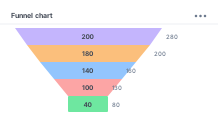
A Funnel Chart widget consists of two main sections:
config: Controls the appearance and layout of the graph.aggregation: Controls how the data is grouped, calculated, and sorted before display.
Configure the Funnel Chart
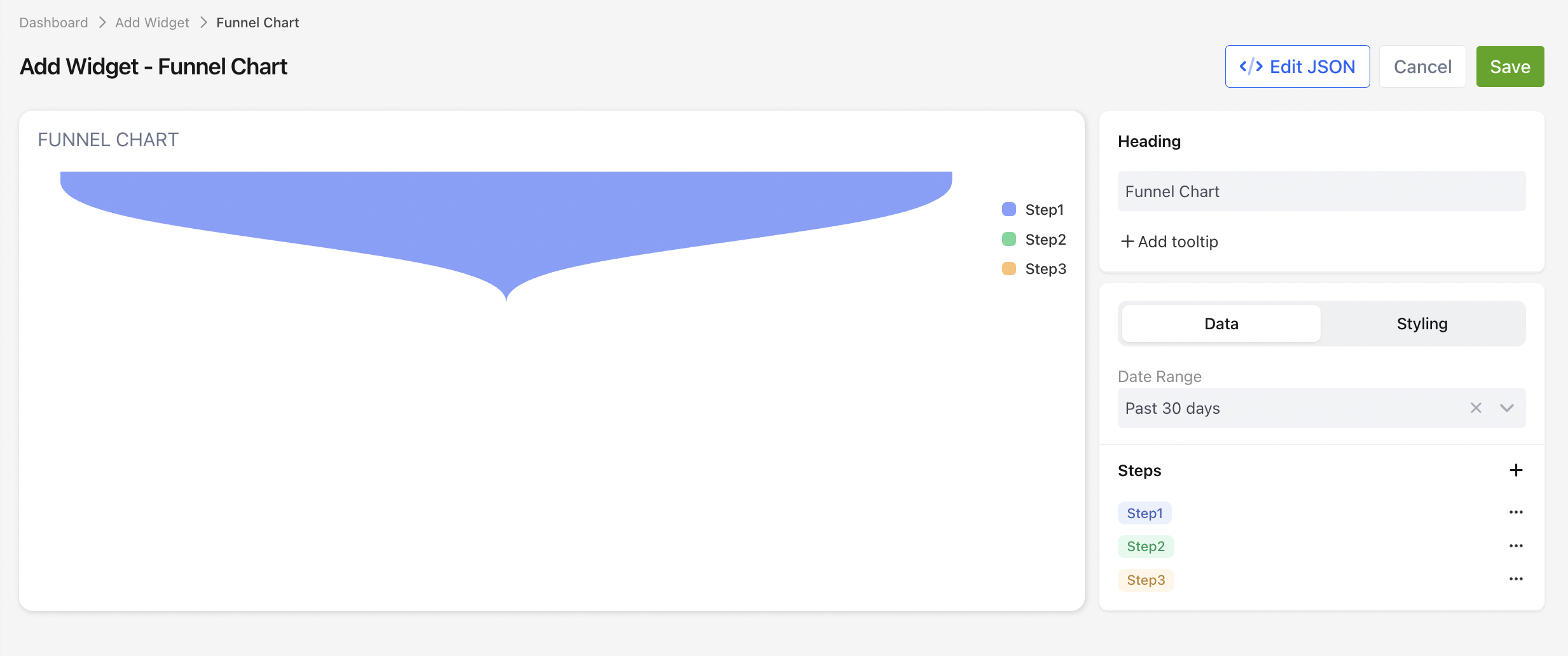
1. Display Settings
| Setting | Description |
|---|---|
| Title | The title displayed above the chart. |
| Title Tooltip | Optional tooltip displayed when hovering over the chart title. |
| Category Field | Select the field used to define each stage of the funnel. |
| Value Field | Select the aggregated value displayed for each stage. |
| Show Legend | Displays or hides the chart legend. |
| Show Percentages | Displays each stage as a percentage of the funnel. |
Aggregation Settings
Use the aggregation settings to determine how records are grouped and calculated.
| Setting | Description |
|---|---|
| Group By | Groups records into funnel stages. |
| Aggregation Function | Determines how values are calculated for each stage. |
| Sort | Specifies the order in which stages appear. |
The following aggregation functions are available.
| Function | Description |
|---|---|
SUM | Adds all numeric values together. |
COUNT | Counts the number of records. |
AVG | Calculates the average value. |
MIN | Returns the smallest value. |
MAX | Returns the largest value. |
DATE_FORMAT | Groups date values into periods such as months, weeks, or years. |
__NULL__ | Returns the original field value without applying an aggregation function. |
JSON Example
"config": {
  "type": "radial-bar-chart",
  "settings": {
    "title": "Clients by Referral Source",
    "titleTooltips": "",
    "nameAccessor": "owner",
    "valueAccessor": "title",
    "hideLegends": false,
    "showPercentages": true
  }
}
📌 Need Help?

Updated 3 months ago
Did this page help you?