
📚 Organise your framework structure and customise content arrangements.
1. Overview
Container is a type of Entry Layout that groups related items, providing a structured framework and can be customized to exhibit diverse content arrangements. To define the Container Layout type follow the steps mentioned below:
- Choose a Container within the page layout editor.
- Navigate to the Container Layout menu and select the desired Container Layout type.
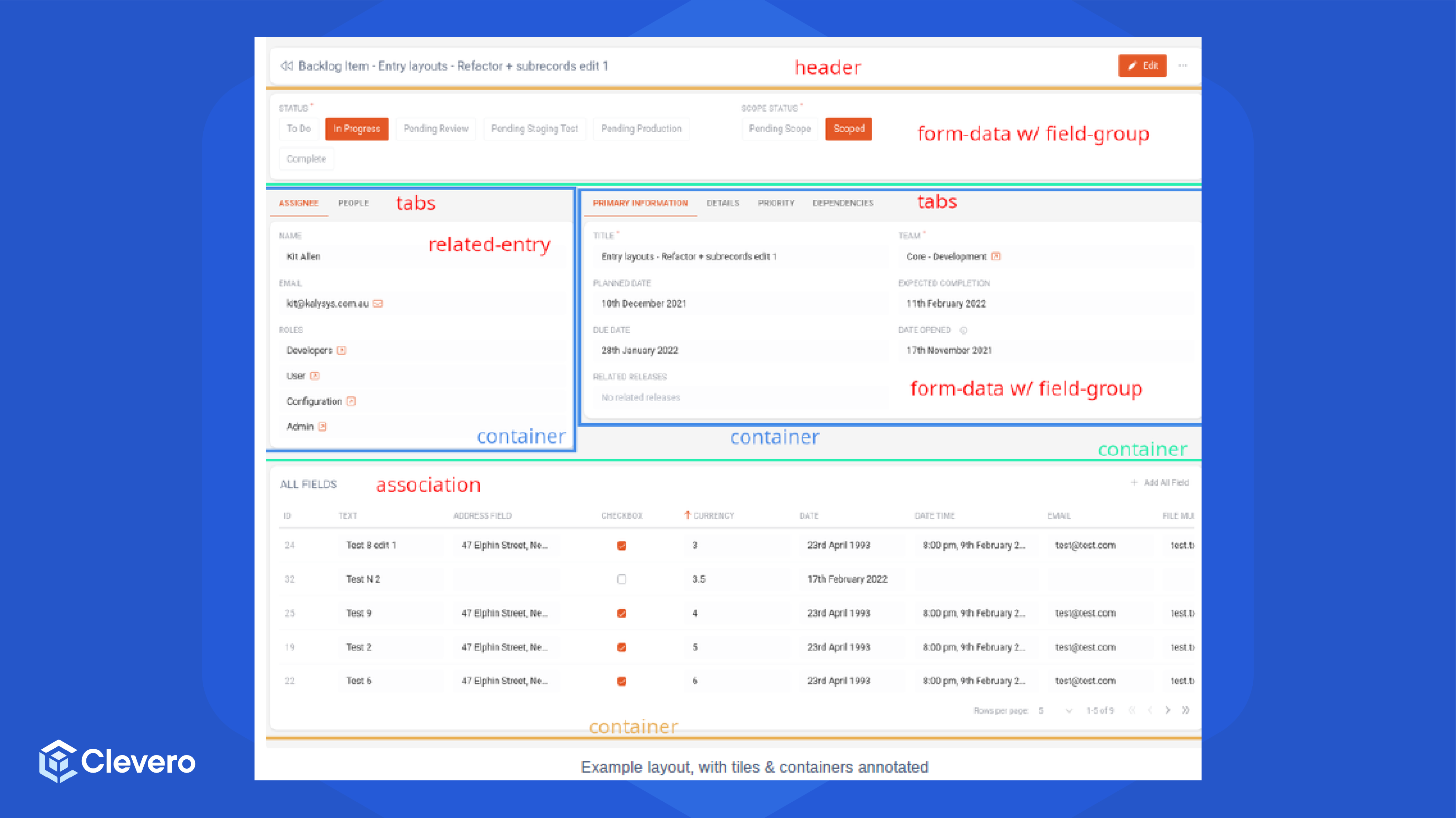
- The Container Layout will transform its interface upon selection to adapt to the selected option.
2. Assigning Entry Layouts
2.1. Configuration Sample
Please follow the following steps to set a Role in an Entry Layout:
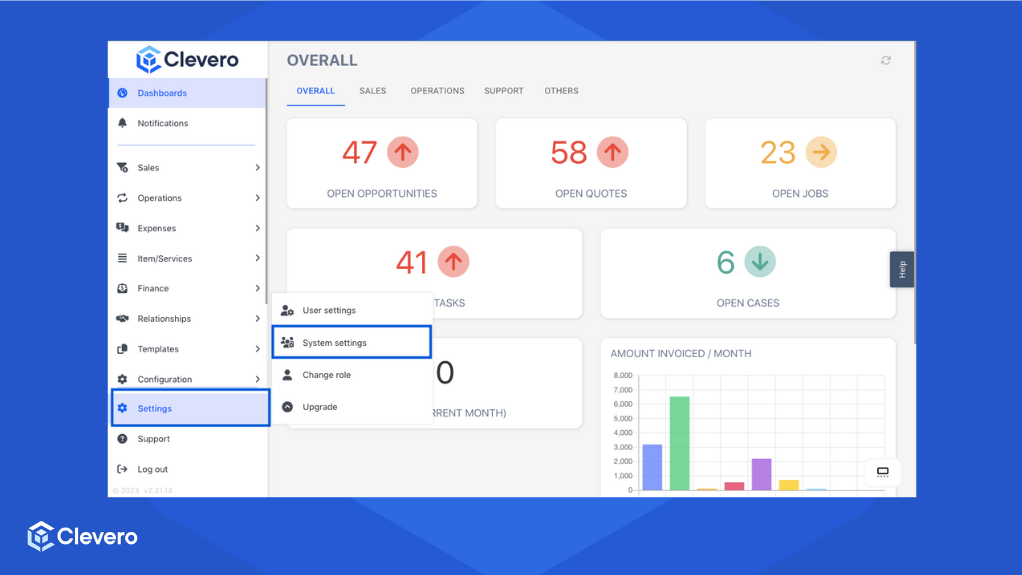
- Navigate to "Settings" > "System Settings".
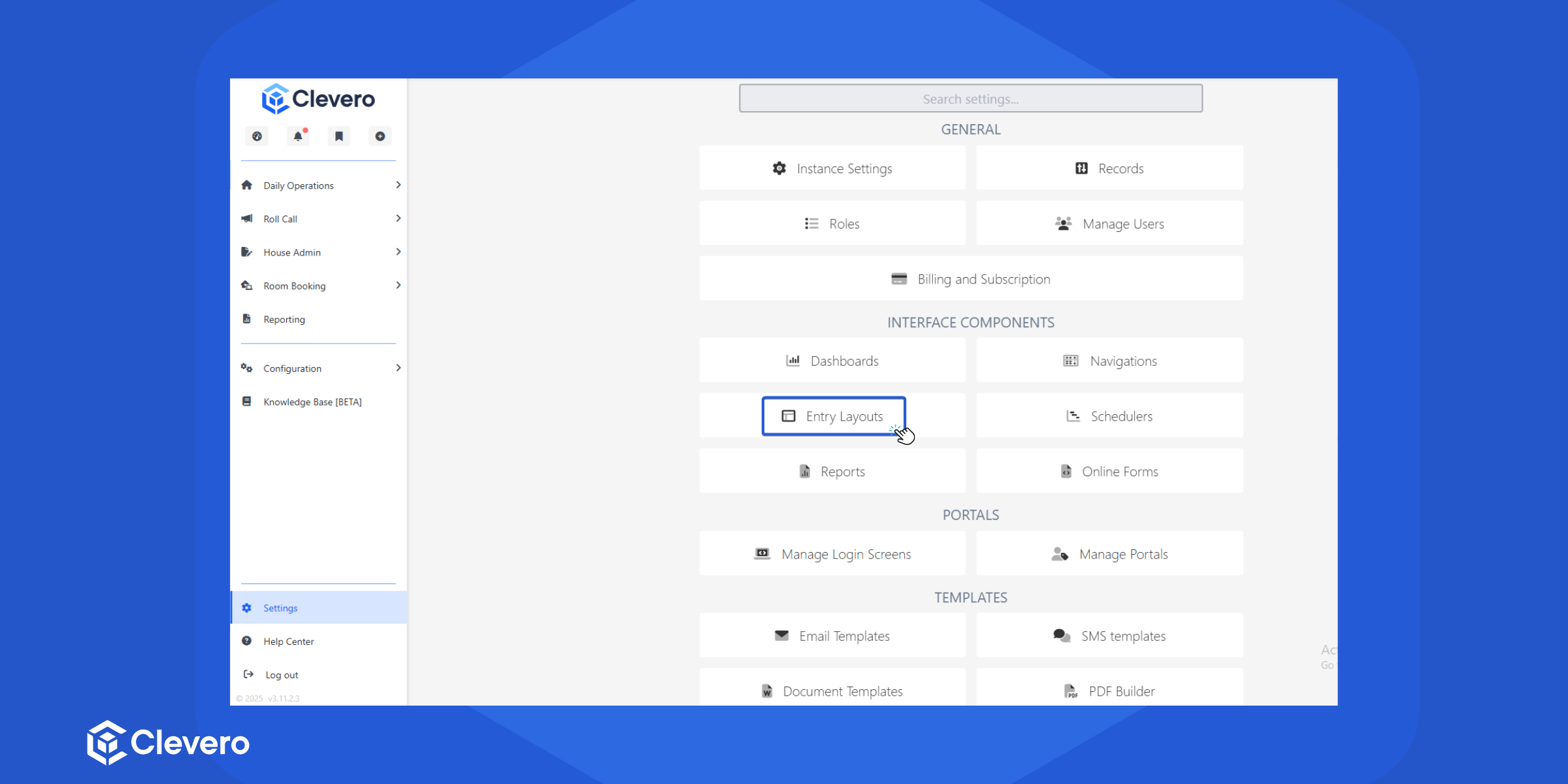
- Select "Entry Layouts".
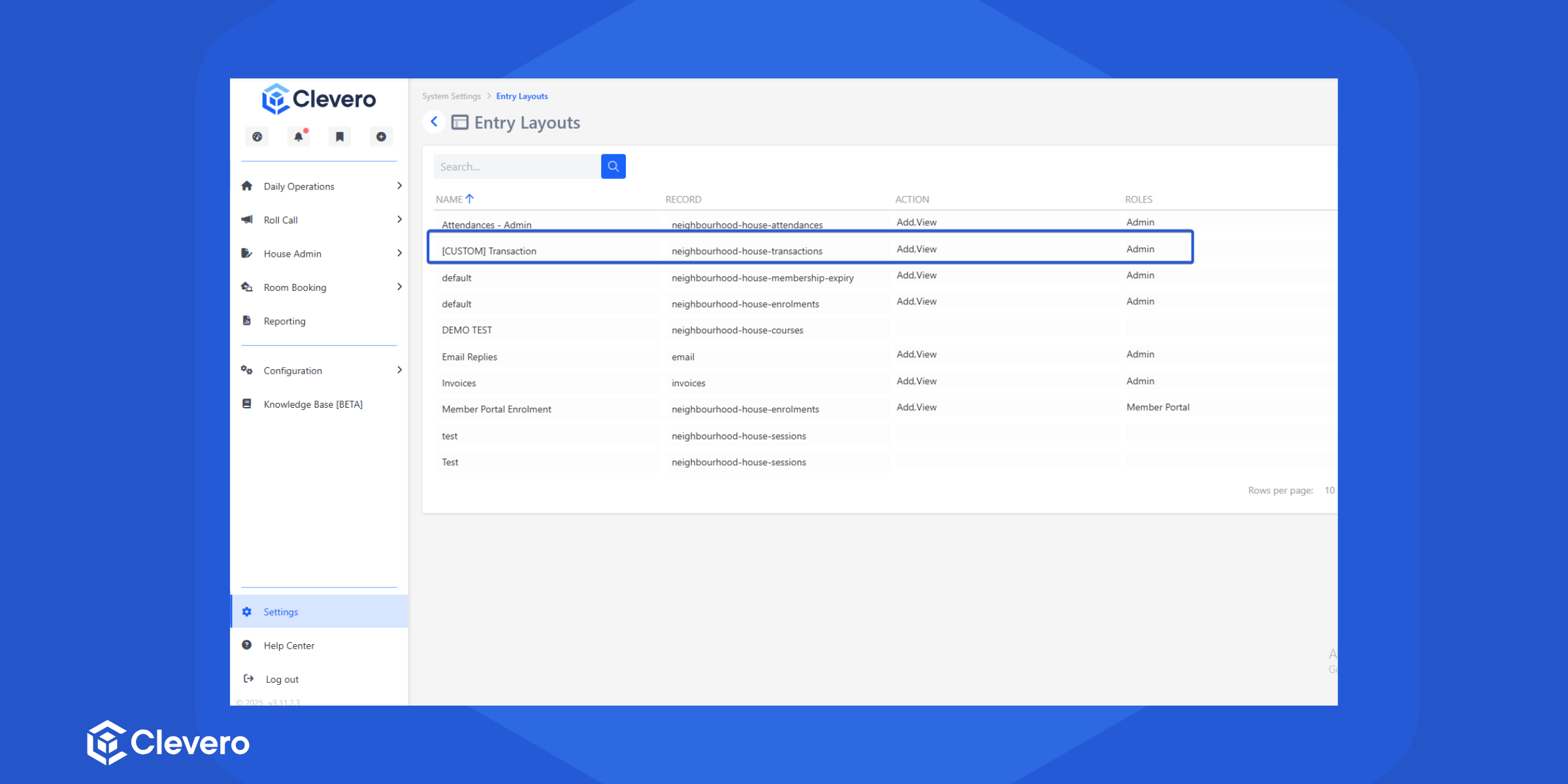
- Choose the Entry Layout you want to add or update the Role.
- Click Settings.
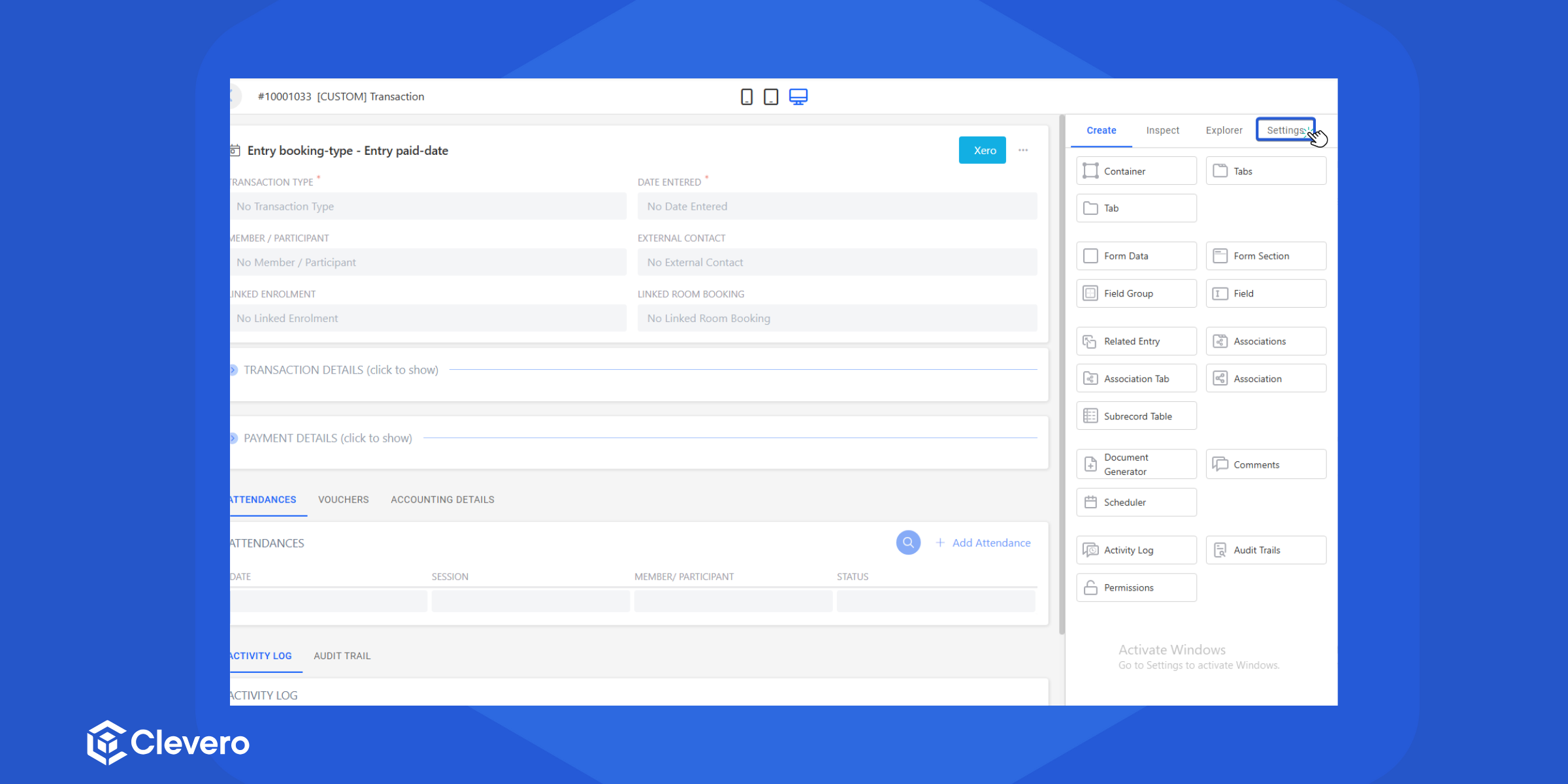
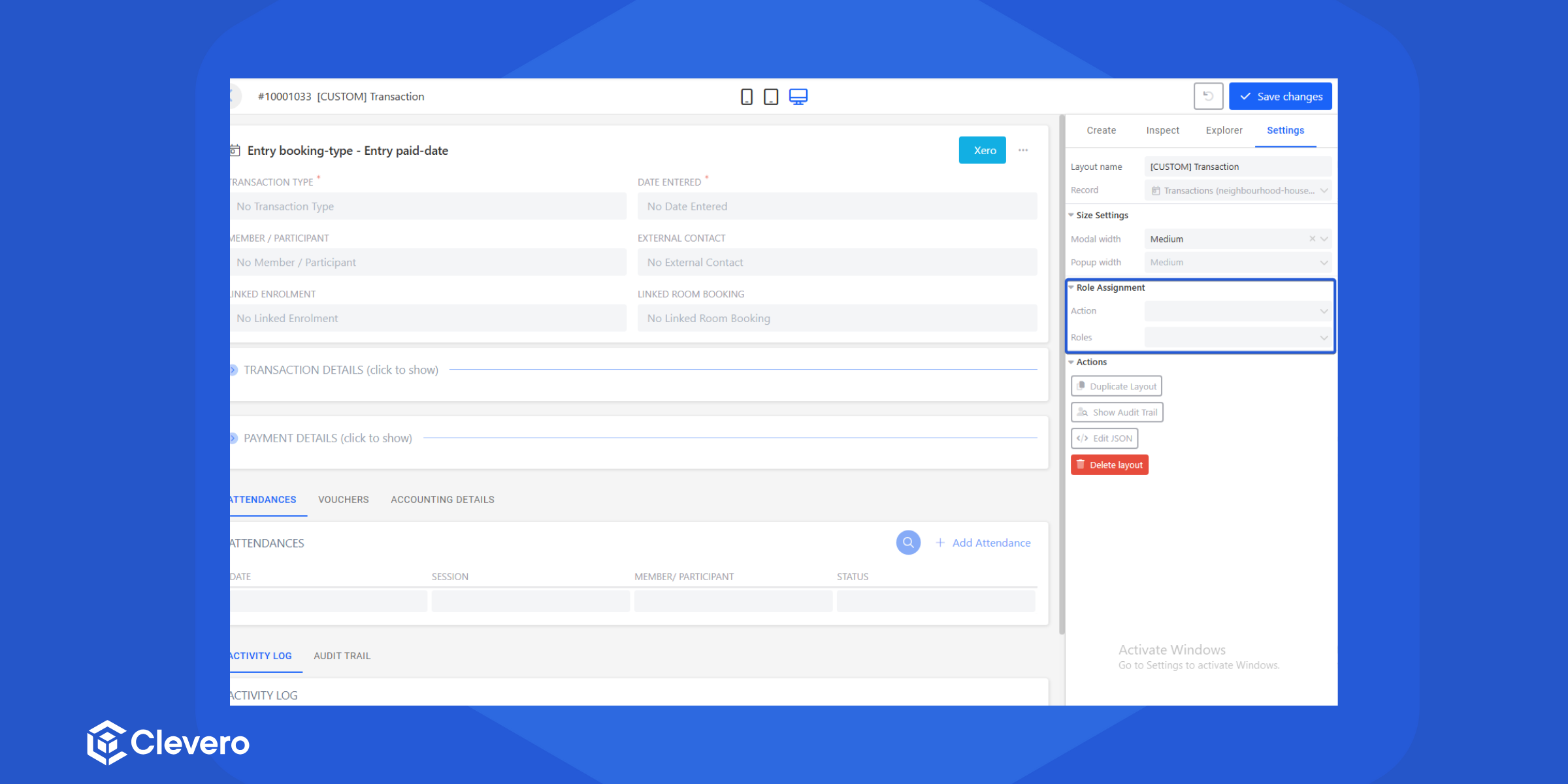
- Add role assignment.
- Action: Choose how the entry layout should appear: when adding, viewing, or editing
- Roles: Select who can see this entry layout
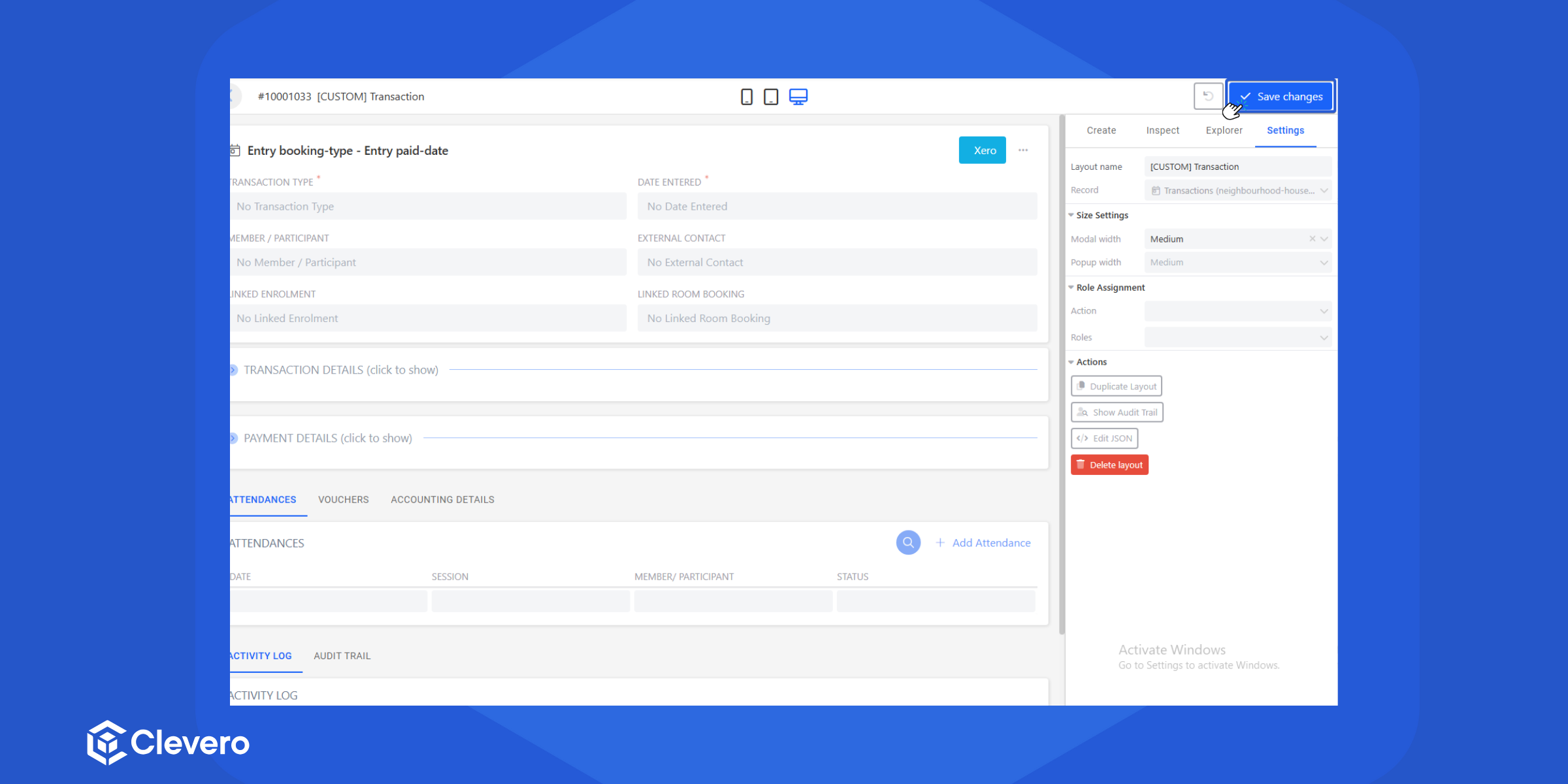
- Click Save Changes
Note:Additionally,a numeric value can also be utilised. For example, if you set the value to
800, it will correspond to 800 pixels.
📌 Need Help?
